Community media
Everything is Crab Video Guides and Route Notes
This page collects official trailers, Steam media, and public community references in one place. Each item includes a short note on what to watch for during real runs.
Quick Answer
Use official videos to understand the game's intended loop, then use community videos to see real routes, build pivots, and player mistakes. Use written pages for searchable details, tables, achievement routing, and patch-version notes.
Official videos and Steam media

Everything is Crab Launch Trailer
Official Steam movie entry. Best first watch for the game's cartoon creature tone and fast evolution pacing.

Release Date Trailer
Official Steam movie entry. Use it to compare early run survival, boss pressure, and biome variety.
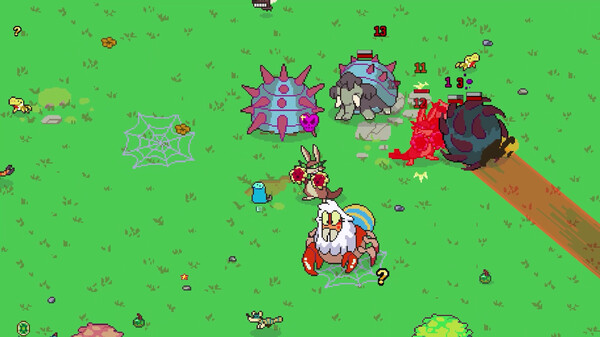
Darwin's Guide to Everything is Crab
Official guide-style video thumbnail from Steam. Good visual context for the hunt, flee, scavenge, and evolve loop.
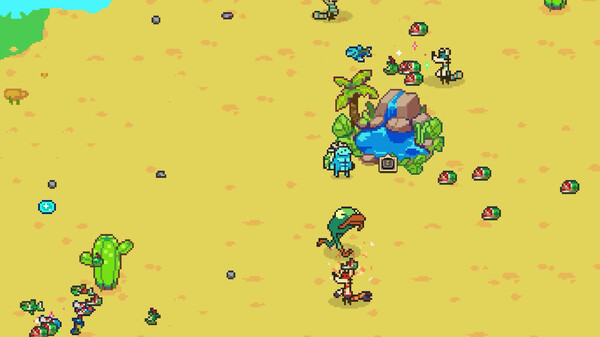
Darwin's Guide Pt 2
Official Steam movie entry. Pair it with the beginner guide to read non-combat survival choices.
Community video and player-route references
To avoid fake or unverifiable embeds, this section links only to public pages found during source checks. Add more player videos after checking creator, URL, title, and patch context.
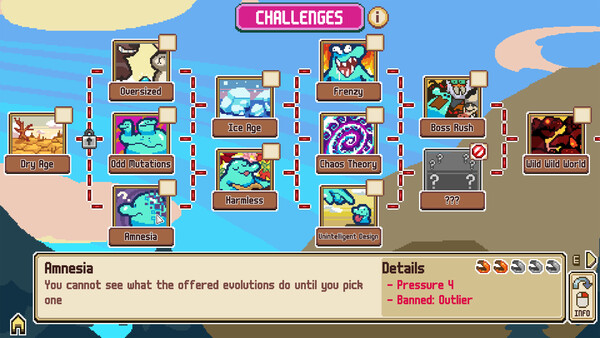
What to look for in player videos
Food tempo
Watch whether the player fights for food, scavenges safely, or routes fruit and mushrooms. That choice explains many build differences.
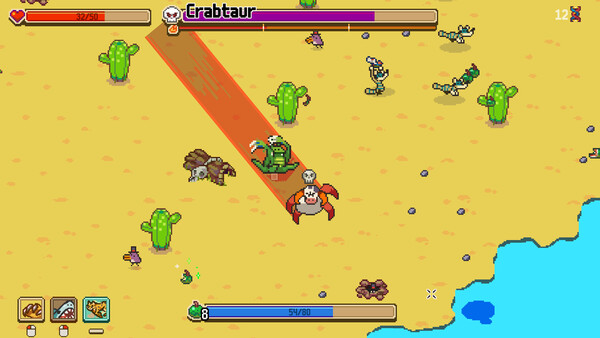
Boss spacing
Pause boss fights and note where the player stands before the boss commits. Good routes make attacks miss before damage begins.
Reroll discipline
Strong players reroll to finish a plan. They do not reroll every time an offer looks less funny than the last one.
Community submission notes
Good video submissions should be public, on-topic, and useful to players. A helpful submission explains the route, patch version, and why the clip teaches something beyond a normal first look.
Creator credit matters. We link to original pages and write our own guide notes rather than copying video descriptions or reuploading clips.
Sources and verification
Official media comes from the Steam store page and the Steam Storefront app details feed. Community references link to public pages and should be reviewed periodically because creators may rename, remove, or restrict their videos.